
Eight hotel workflows. Named and specific.
Eight workflows from hotels and resorts: housekeeping day plan, room status, defects and tasks, handovers, staffing need, guest enquiries, property knowledge and daily report.
01 / Starting point
Starting point
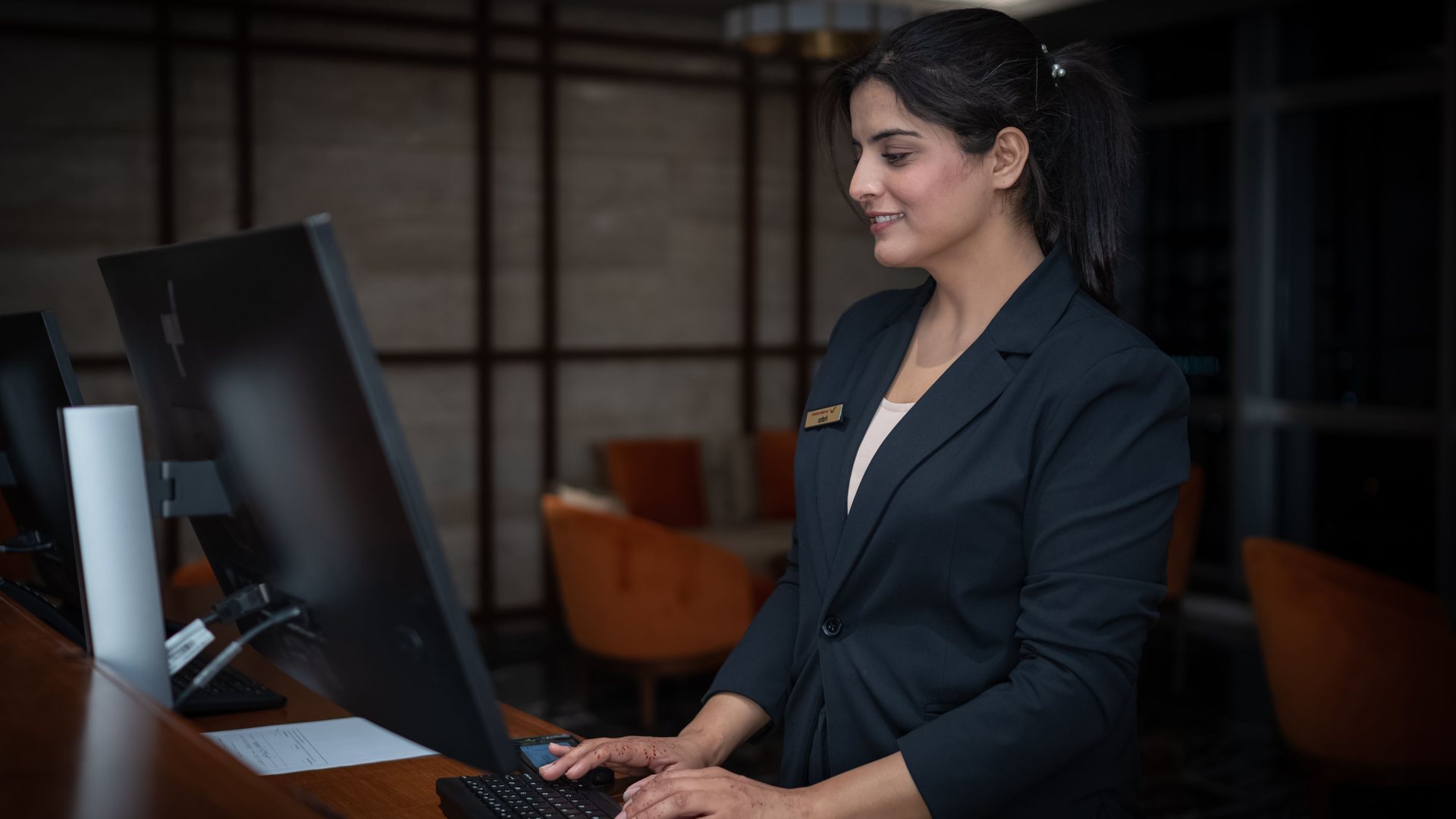
Housekeeping and maintenance keep rooms and facilities ready, and the front desk needs their status. At the front desk and reservations desk, the inbox and PMS meet; the back office handles the night audit. Resorts coordinate several buildings or units.
02 / Where it hurts
Where it hurts
- The housekeeping plan is rebuilt each morning from lists and shouted updates.
- The front desk finds out whether a room is ready by phone.
- Defects, tasks and handovers depend on notes, messaging and individual staff.
- At resorts, arrivals and departures come in waves; seasonal staff and cleaning between units need clear handovers.
03 / How it works
How it works
- 01
Name the workflow as it runs today.
- 02
Find the step that carries the effort.
- 03
Build only that step. Approval stays in the house.
What this is not
No automation that makes outward promises on its own. Measured times serve planning, never the assessment of people.
04 / Result
Result
You see which workflow is worth doing first and how 5213 LABS takes it on.
05 / Use cases
Use cases
A/01 Housekeeping day plan from arrivals and departures
The head housekeeper plans the day from the departure list, stayovers and shouted updates. When someone is off, everything is reshuffled by hand.
The plan comes from arrivals, departures and the people on shift today. The head housekeeper moves and approves, and every room attendant sees their rooms.
A/02 Room status by a scan at the door
Which rooms are ready? The front desk phones around, and housekeeping answers between two beds.
Start with a scan at the room door, finish with one tap. Front desk and head housekeeper see the status without asking.
A/03 Defects and tasks in one place
Room defects arrive on notes, in messengers and by phone. Who fixes what gets settled in the corridor.
Every report is tied to a room or area. Anyone can report, the people in charge assign, and the status stays visible.
A/04 Handover between shifts and departments
A task lands at the front desk instead of maintenance and sits there. What the early shift knew, the late shift is missing.
Handed over with a reason to the right department or shift. The history stays readable, and the sender sees whether it is done.
A/05 Staffing need for the days ahead
How many room attendants are needed tomorrow and the day after lives in the head housekeeper's head.
Bookings and measured cleaning times give the need for the coming days. The times serve planning, never to compare people.
A/06 Guest enquiries in the inbox
Guests ask about arrival, changes or facilities. The front desk handles every email by hand.
The guest enquiry is routed. A draft is ready and goes out after the property approves it.
A/07 Property knowledge and team questions
Which PMS rule applies, and whom should the front desk call? Often only one person knows.
Procedures, contacts and house rules on demand. On the next shift too.
A/08 Daily report from PMS and POS
Every morning the daily report is assembled by hand from the PMS and POS.
The report builds itself. It is checked and approved in house.
Do I have to replace my existing systems?
Usually not. The first step is to establish what your current systems already do and where they need to be connected. Replacing a system is its own expensive decision, not a side effect of automation.
Can the result be to automate nothing?
Yes, and that is a valid outcome. Some work is too rare, too varied or too much a matter of trust. In that case the report says so, with reasons.
Does 5213 LABS see our customer data during an analysis?
As little as possible. Structure and examples are almost always enough to document a workflow; real records are only examined where unavoidable, and that is agreed in advance.
Which workflow costs the most hours every week?